
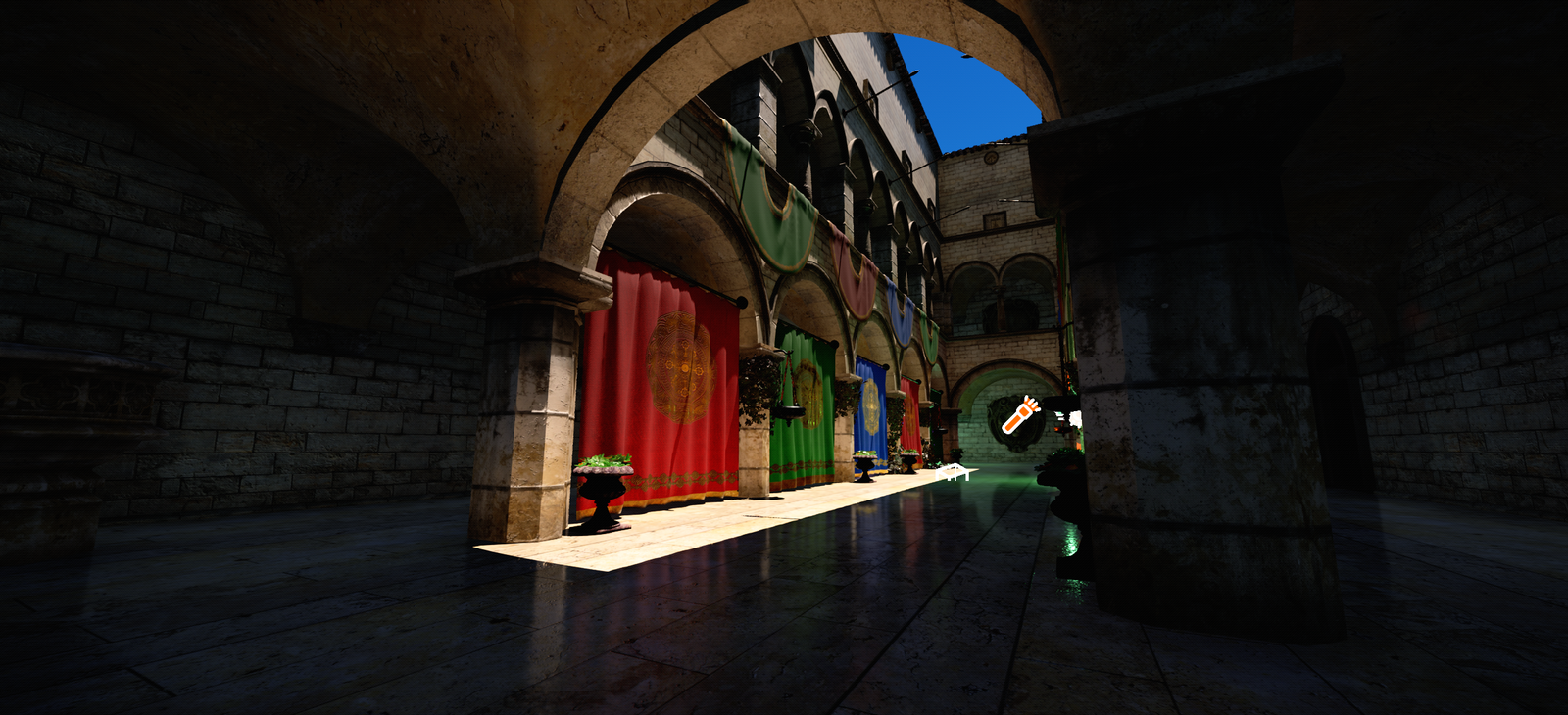
PlasmaEngine 0.9.0 brings major additions to rendering, content creation, and gameplay development. Since our August 8 release, we’ve introduced a DirectX 12 backend, expanded lighting and atmospheric rendering, and added more of the systems needed to take a project from a scene to a playable game.
This release also improves the tools around development, with GPU frame captures, updated project templates, and changes to the editor and package manager.
Release Highlights
- DirectX 12 backend alongside Vulkan.
- ReSTIR direct lighting and probe direct lighting, with improvements to shadows, ray tracing, and temporal antialiasing.
- Meshlet rendering and targeted GPU optimizations.
- Overhauled volumetric clouds, VDB volume rendering, and Alembic geometry caches.
- OpenPBR material support and expanded USD/MaterialX import workflows.
- Save/load services and persistent game settings, plus improvements to loading screens and scene transitions.
- Video playback and expanded animation graph functionality.
- GPU frame dumps, editor improvements, and updated Brick Breaker templates.
Rendering and Lighting
DirectX 12
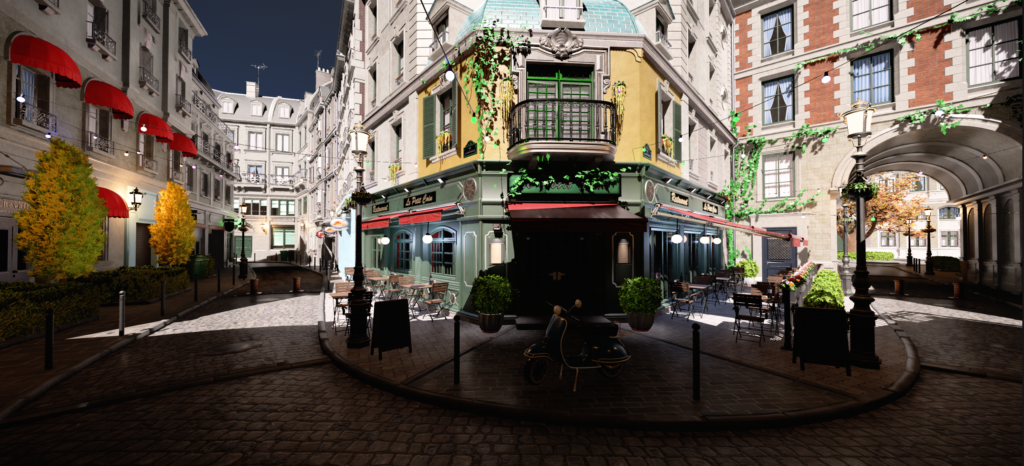
PlasmaEngine now includes a DirectX 12 rendering backend for Windows, joining Vulkan as an available graphics API.
This is a significant addition to the engine’s rendering foundation. It expands our platform support within Windows and gives us another path for developing and evaluating rendering features.
Direct Lighting
Version 0.9.0 introduces ReSTIR direct lighting and probe direct lighting, expanding the options available for lighting complex scenes.
These additions arrive alongside improvements to ray tracing, shadow handling, and temporal antialiasing. Work across these systems focuses on both image quality and how rendering behaves as cameras, objects, and lighting change over time.
Meshlet Rendering and GPU Optimization
Meshlet rendering organizes geometry into smaller groups, providing a foundation for more granular visibility and geometry processing.
We’ve also continued work on GPU scheduling and specific rendering workloads. Changes include more evenly distributed emissivetriangle construction and deduplicated virtual shadow page requests. Their performance impact varies with scene content and hardware, and further profiling will guide future improvements.
Atmospherics and Content Workflows
Volumetric Clouds
The volumetric cloud system has been overhauled, expanding the engine’s atmospheric rendering capabilities.
Clouds are an important part of the lighting, scale, and mood of an outdoor environment. This update strengthens that part of the rendering toolkit alongside the broader lighting changes in 0.9.0.
VDB Volumes
New VDB volume rendering support provides a workflow for bringing volumetric assets into PlasmaEngine, broadening the types of content developers can use in their scenes.
Alembic Geometry Caches
Alembic geometry caches add another option for animated geometry.
They are particularly useful for content produced by external simulation or deformation tools, where a traditional skeletal animation setup may not suit the asset.
Materials and Import
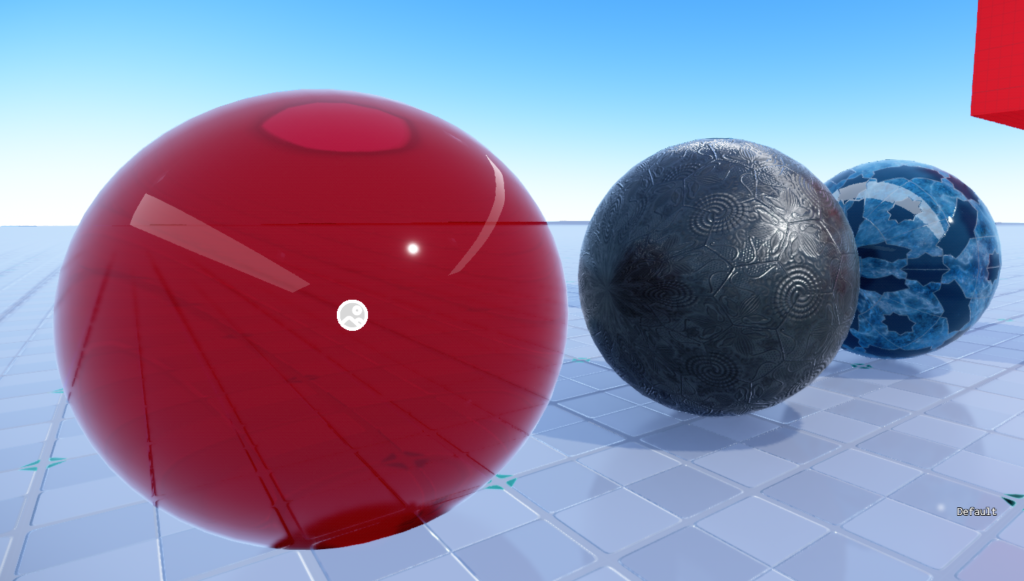
Material and import work includes OpenPBR support and developments around MaterialX integration.
These changes broaden the engine’s content pipeline and help connect PlasmaEngine projects with external creation tools.
Gameplay Systems
Save and Load
The new save/load system provides services for persistent storage, asynchronous operations, recovery, and world persistence.
Cloud provider hooks offer an integration point for projects that need to connect saves to an external service. Developers can build on those hooks while retaining control over their provider and synchronization behavior.
Persistent Game Settings
Game settings now have a dedicated system that keeps player preferences independent of scene lifetimes.
The system supports persistent preferences and recovery handling for interrupted display changes. Related integrations are available through the optional C# and GameUI packages.
Startup, Loading, and Scene Transitions
Startup and scene loading workflows have expanded, including work on loading screens, scene transitions, and pause menu support.
These systems help developers manage the flow between launching a game, loading content, entering gameplay, and moving between scenes.
Video Playback
Video playback adds another building block for introductions, presentation sequences, and other in game media.
Animation
Animation graph improvements include layering, slots, curve sampling, and smoothing.
These additions provide more ways to organize animation behavior and combine poses within a graph. They are accompanied by fixes to skeletal animation and animation importing.
GPU Diagnostics
PlasmaEngine 0.9.0 introduces GPU frame dumps, available from the editor with Ctrl+Alt+G.
Captures provide information about:
- Render graph structure and resources.
- Recorded commands and shaders.
- Material and permutation labels.
- Timing information and reflected constants.
Capture comparisons help developers investigate what changed between frames or configurations. Because capturing adds overhead, frame dumps are intended for diagnosis rather than as a replacement for normal performance measurements.
Editor and Project Templates
The editor receives a custom file picker, an extensible console, package manager improvements, and fixes to C++ project workflows.
Updated Brick Breaker templates demonstrate projects using:
- C++
- C#
- AngelScript
- VisualScript
The distribution packaging has also been revised to preserve source files and the SDK headers required by C++ projects. Debug symbols and compiler/linker intermediates are stripped, while import libraries remain available for SDK consumers.
No responses yet