Plasma is a C++ game engine that puts advanced rendering, physics and audio into a lightweight core that’s easy to change. Build the game you have in mind with as little friction as possible.
Version 0.9.0 adds a DirectX 12 backend, expanded lighting and atmospheric rendering, and more of the systems needed to take a project from a scene to a playable game.
We’ve launched a new website and re-launched the documentation site as part of a maintenance pass on our studio’s DevOps.
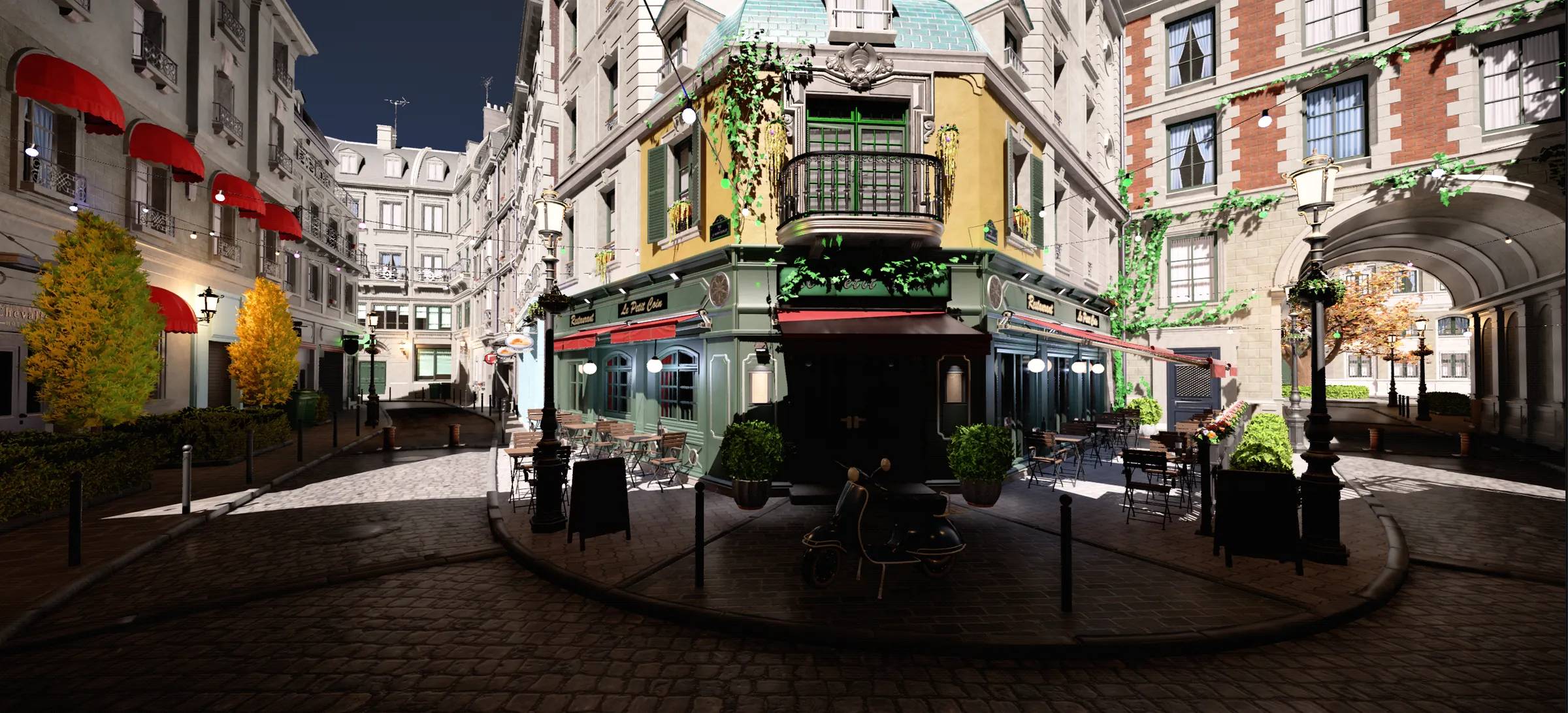
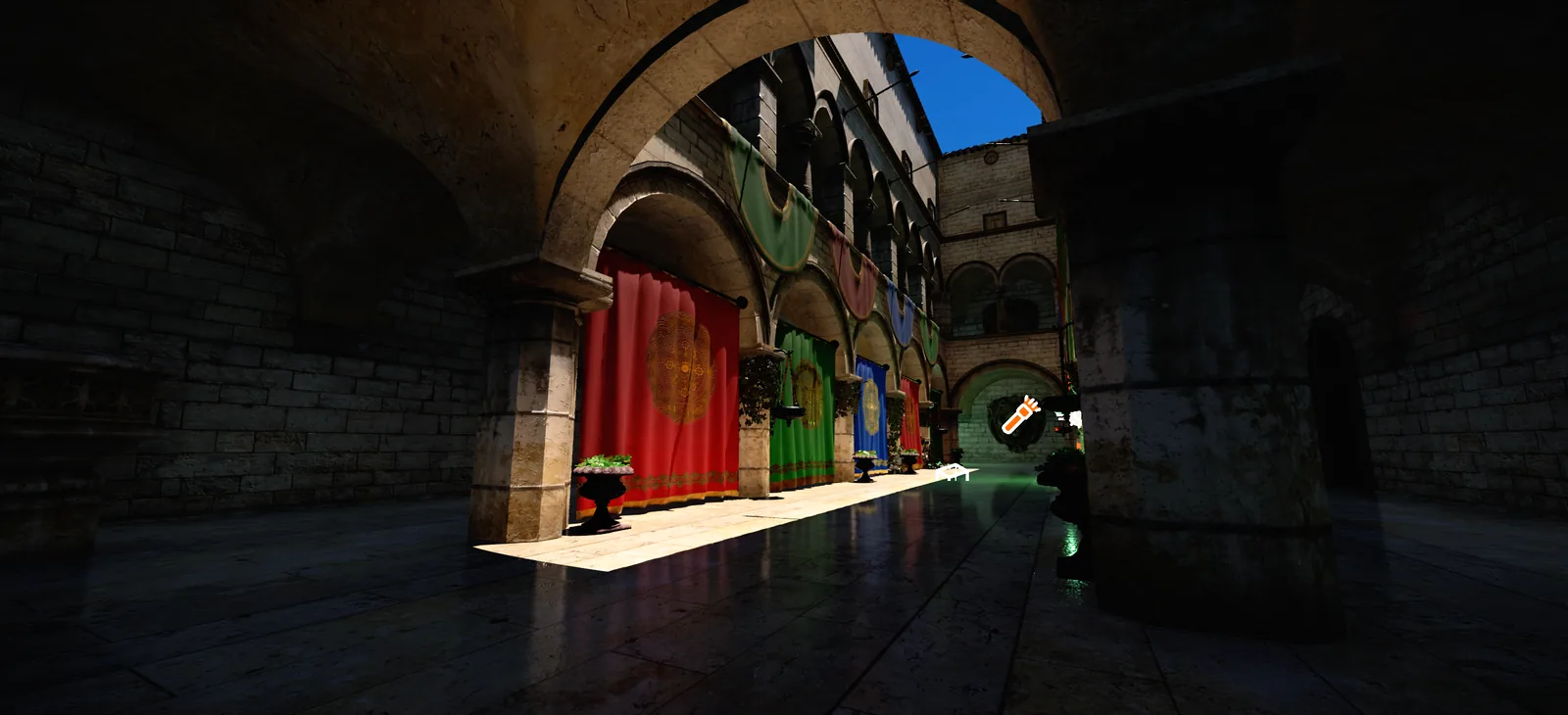
Rendered in Plasma
Screenshots from the engine and its test scenes. Select one to see it larger.
What’s in the engine
Rendering and the editor make up the core. Everything else ships as packages: add the ones your project uses from the package manager and leave the rest out, with minimal dependencies between them.
Modern rendering
Multithreaded rendering on Vulkan and, on Windows, DirectX 12.
ReSTIR and probe direct lighting
Voxel, ray-traced ReSTIR and hybrid global illumination
Virtual shadow maps with soft, contact-hardening shadows
Textured area lights, volumetric fog and volumetric clouds
Meshlet rendering, VDB volumes and Alembic geometry caches
OpenPBR materials and a visual shader editor
A complete editor
Plasma comes with a full editor for creating and changing every asset in your game.
Play in the editor, simulate, or play from any point in the scene
Prefabs, and assets processed in the background as files change
A package manager for adding engine features per project
GPU frame captures with Ctrl+Alt+G, plus RenderDoc support
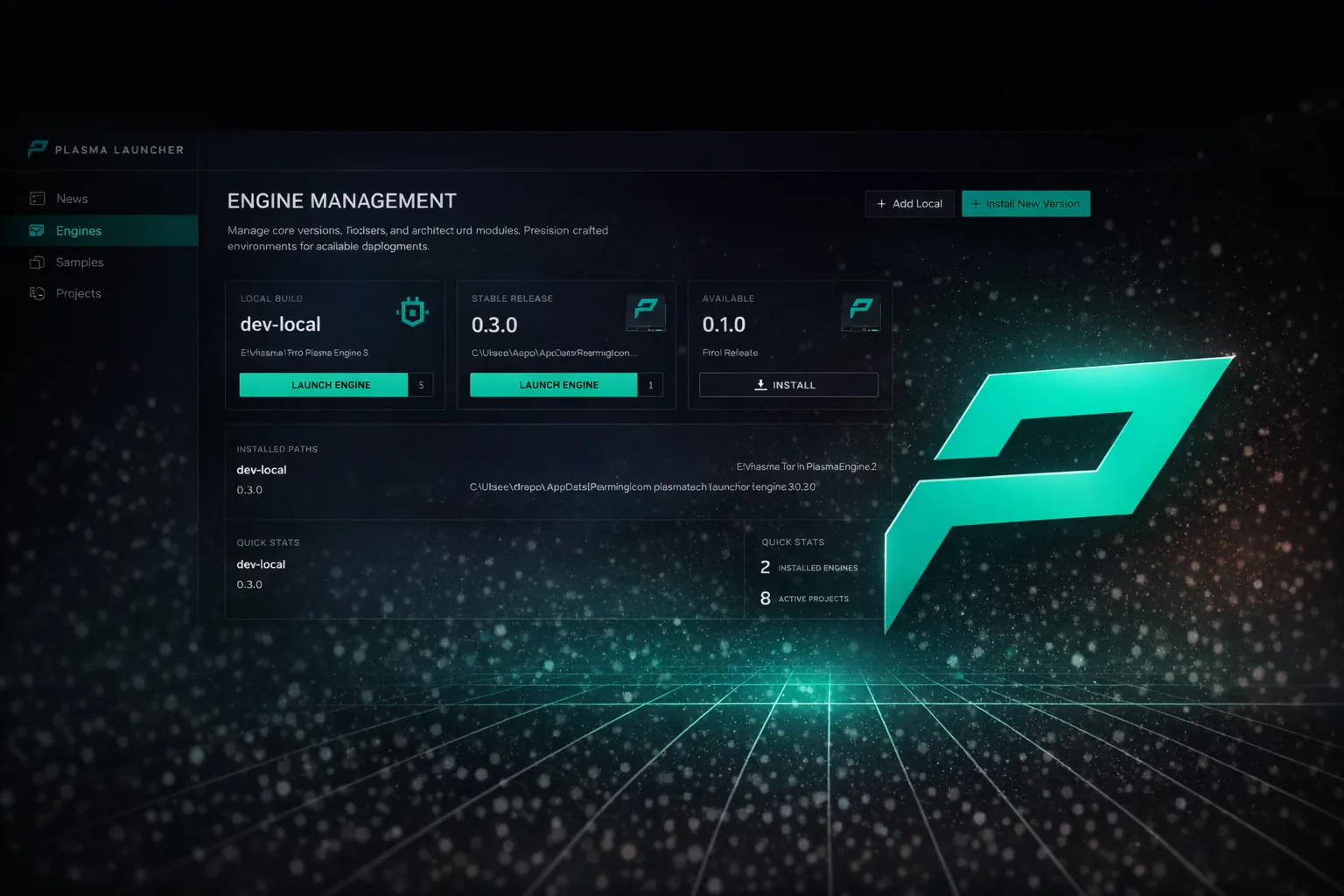
The Plasma Launcher for engine versions, projects and samples
Jolt Physics
Plasma uses Jolt Physics, a fast, multithreaded physics engine built for games. It’s ready to use as components you add in the editor.
Dynamic, static and kinematic bodies, triggers and heightfield colliders
Character controller, ragdolls and hitboxes
Cloth, ropes and destructible objects
Water volumes with buoyancy
Hinge, slider, cone, swing-twist, six-degrees-of-freedom and other constraints
Scripting
Write your game in C++, C#, AngelScript or Visual Script. The Brick Breaker templates build the same game in each one.
C# on .NET 10, with live reload that keeps running scripts’ state
AngelScript with parameters you can edit in the editor
Visual Script graphs with coroutines, sub-graphs and shared function libraries
Open C# in Visual Studio, Rider or VS Code
AI and navigation
Characters that find their way, react to what they sense and work together.
Navmesh built in the background, with dynamic obstacles and jump, ladder and door links
3D voxel navigation for flying and underwater agents
Crowd steering and avoidance
Utility AI with sight, sound and damage perception
Cover points, smart objects, squads and environment queries
Audio
Choose the audio backend that suits your project: Amplitude, FMOD Studio or MiniAudio.
Amplitude Audio with HRTF, ambisonics and rooms with per-wall acoustic materials
FMOD Studio banks and events, with occlusion and blended reverb
MiniAudio with a mixer, buses, snapshots and built-in effects
3D sound with distance rolloff, Doppler and occlusion
Networking
Multiplayer built on ENet, with the tools to make it feel responsive.
Replicated transforms, rigid bodies and properties
Client prediction on a server-authoritative tick, with lag compensation
RPCs, delta compression and distance-based interest management
Synchronised level loading, including late joiners
Simulated latency, jitter and packet loss for testing
World building
Tools for large outdoor spaces, from the ground up.
Heightfield and voxel terrain, shaped with brushes, including caves and overhangs
Oceans, rivers and lakes with spectral waves and underwater rendering
Procedural placement graphs for scattering objects
Procedurally generated trees
Particle effects that move to the GPU automatically
Animation
A node-based animation graph for characters, built on ozz-animation.
State machines, 1D and 2D blend spaces, layers and bone masks
Root motion, aim IK and two-bone IK
Humanoid retargeting between skeletons
A cinematic sequencer with camera cuts and video export (preview)
Game UI
Two ways to build interfaces: Plasma’s own UI framework, or HTML and CSS through RmlUi.
Widgets, styles and SDF fonts, with gamepad and keyboard navigation
Import layouts from Figma, HTML and CSS, or XAML
UI on screen or on surfaces in the world
Data binding and hot reload
Gameplay systems
The pieces between a scene and a finished game.
Save slots, checkpoints and thumbnails, with save data migration
Persistent player settings
Input actions with runtime rebinding and button prompts
Loading screens, scene transitions and pause menus
Video playback on any texture
XR and input devices
VR and mixed reality through OpenXR, on Vulkan and DirectX 12.
Hand tracking and spatial anchors
Meta Touch, Valve Index, HTC Vive, Pico and Windows Mixed Reality controllers
Xbox controllers with vibration
Plasma is in beta
The beta is open to supporters on Patreon. Join there to download the engine and get each new build as it’s released.